

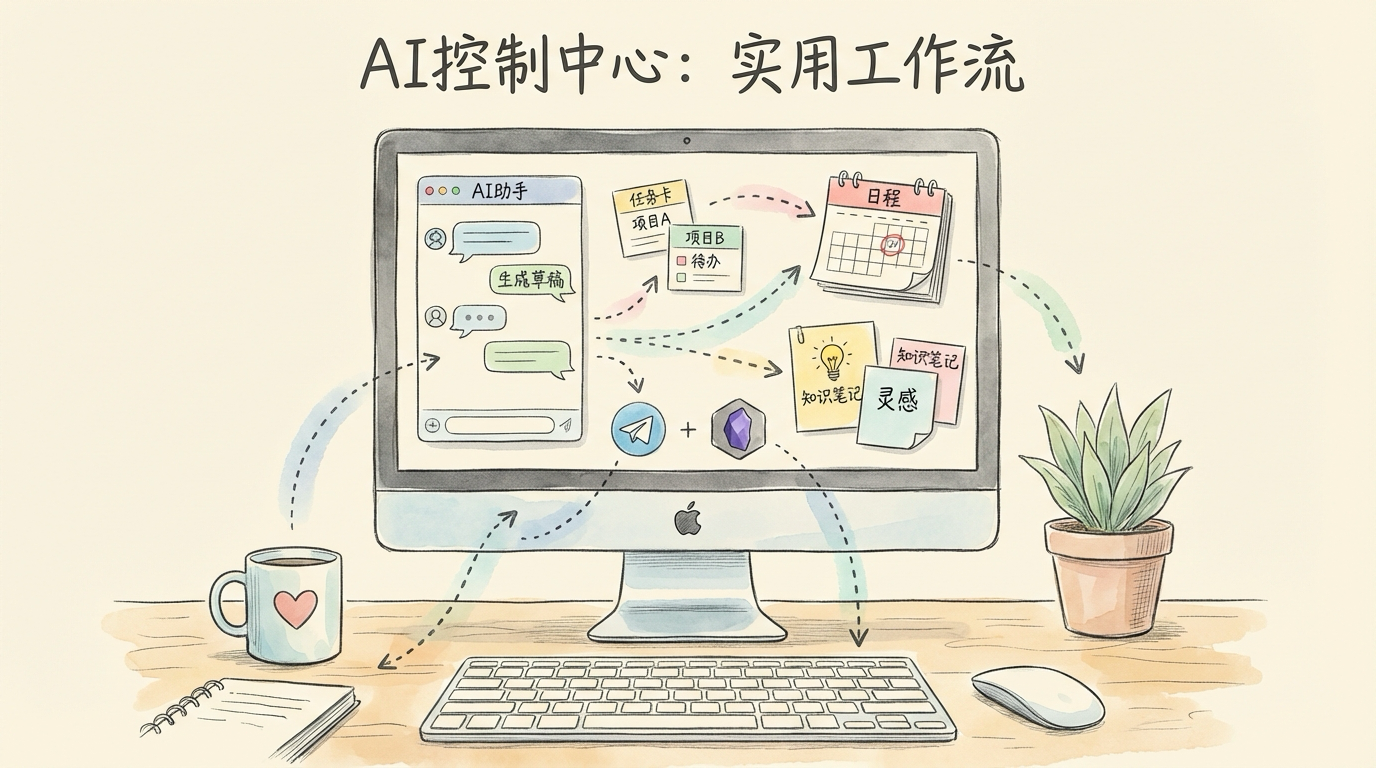
I’ve been using OpenClaw heavily on my local machine for a while now. At first, I treated it like any other AI tool. But after wiring it into Telegram, Obsidian, scheduled tasks, local models, and my content workflow, I realized I had it completely wrong. Its real power isn’t answering questions – it’s doing sustained work on your behalf. It can receive messages, call tools, run scheduled tasks, dispatch to different models, build long-term memory, write results back to Obsidian, and delegate complex tasks to other agents. If you’re only using it as a chatbot, you’re tapping maybe 20% of what it can do.
For someone like me – juggling Android system performance work, content creation, community management, knowledge base upkeep, project tracking, and coding – the value of OpenClaw boils down to one thing: For the first time, AI isn’t just answering me. It’s actually pushing my work forward on its own.
1. When Did I Actually Start Using OpenClaw?
Based on the initialization traces in my local environment, I started running OpenClaw on my own machine on the evening of February 16, 2026. This wasn’t a “let me install it and poke around” situation. I went all in, connecting it to my daily workflow: messaging, scheduled tasks, Obsidian knowledge base, daily and weekly reports, GitHub monitoring, paper reading, content curation, writing, and retrospectives. So I no longer think of it as “a tool.” I think of it as a local AI orchestration layer, a scheduled execution system, a long-term memory system, an automated content and knowledge organizer, and a central hub that can collaborate with Claude Code.
2. What Does OpenClaw Actually Do for an Android System Engineer?
If your day job is Android engineering, system optimization, performance analysis, or stability work, the most valuable thing about OpenClaw isn’t “answering a question for you.” It’s handling the work that is continuous, repetitive, cross-tool, cross-time, and cross-context. I currently use it for four categories of tasks.
Category 1: Information Flow Automation
Daily tech briefings, daily news digests, RSS scraping, high-value content filtering, GitHub issue/PR monitoring, daily paper reading – none of these are things I couldn’t do before. The problem was that they’re too fragmented, and I’d inevitably drop them. OpenClaw turns these from “powered by willpower” into “powered by system defaults.”
Category 2: Continuous Knowledge Base Maintenance
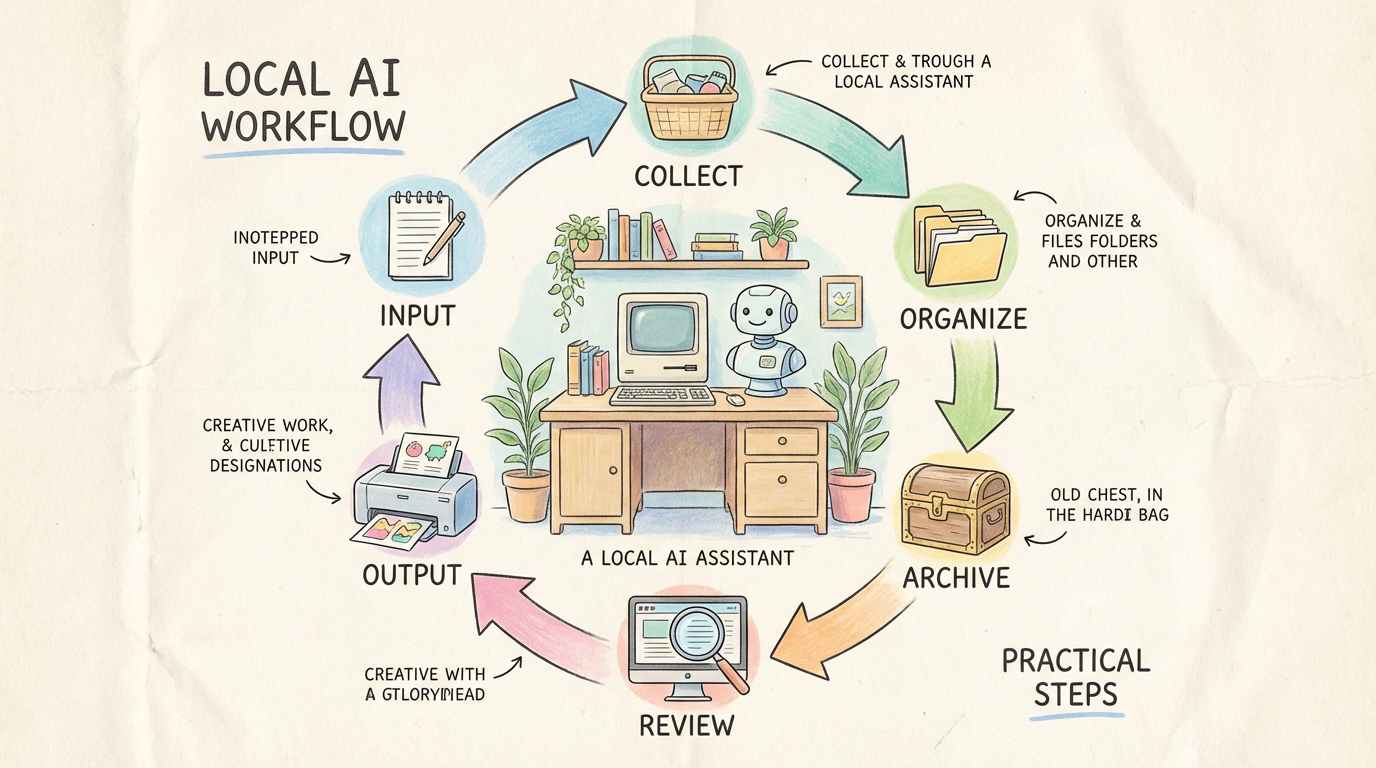
I consume a lot of content: technical articles, WeChat public accounts, long-form posts on X, RSS feeds, project materials, my own thoughts. The biggest problem used to be: I’d save things but never organize them, organize them but never find them again, find them but struggle to reuse them. After connecting OpenClaw, it continuously does incremental organization, structural repair, high-value archiving, content review, and memory maintenance. This matters especially for engineers, because growth doesn’t come from “having read a lot” – it comes from being able to pull that knowledge out and use it later.
Category 3: Daily Reports, Retrospectives, and Weekly Reviews
This is the part most people overlook, but it’s also the one with the most compounding returns. I now have OpenClaw running daily morning reminders, end-of-day reports, evening retrospectives, weekly distillations, project reviews, three-tier memory maintenance, and meditation/evolution logs. The thing that hooked me most about OpenClaw is this: It takes all those things I know are important but can never sustain as habits, and turns them into things the system does for me automatically.
Category 4: Engineering Collaboration
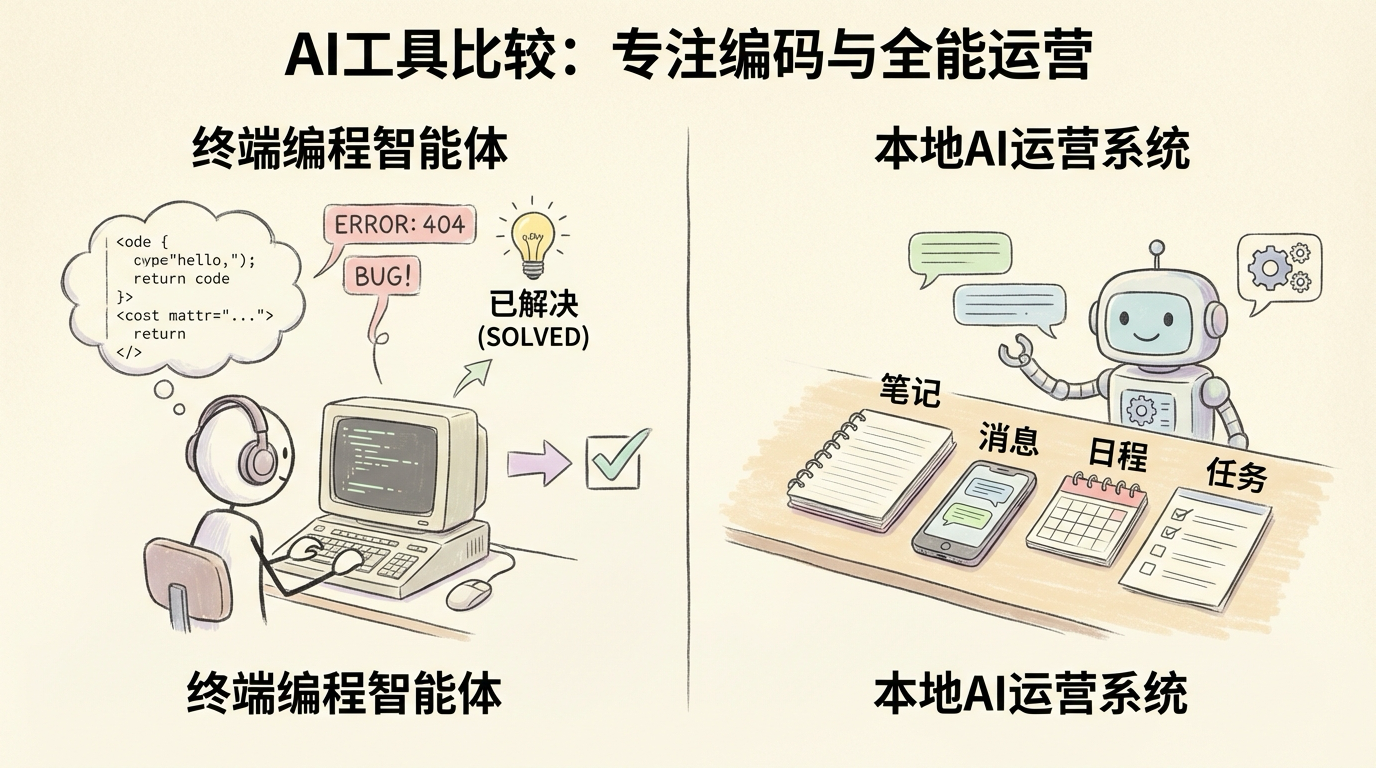
It can also participate in engineering work – tracking GitHub repo changes, patrolling issues and PRs, organizing code context, and calling other coding agents to do work. But let me state the conclusion upfront: OpenClaw isn’t meant to replace Claude Code. It’s meant to orchestrate Claude Code. Claude Code is more like a top-tier programmer sitting in your terminal. OpenClaw is more like an AI operations system.
3. Why Do I Always Keep Claude Code Nearby?
Because OpenClaw in its early days genuinely breaks. Let me be blunt: upgrades cause errors, model configurations go wrong, scheduled tasks behave unexpectedly, certain tool chains stop working, certain file paths fail to write, and old sessions don’t always sync with new configurations. If you only have OpenClaw itself, many of these problems are extremely frustrating. But if you have Claude Code on the side, things get much simpler.
My division of labor is clear: OpenClaw handles orchestration, memory, scheduling, archiving, messaging, and workflows. Claude Code handles bug fixes, log inspection, error diagnosis, complex code changes, and post-upgrade firefighting. In short, Claude Code is a top-tier programmer; OpenClaw is an AI operations system.
4. What’s My Local Setup?
My current machine is a Mac Studio M1 Ultra with 64GB of RAM and a 48-core GPU. This configuration is very comfortable for local agent workflows because it lets me run OpenClaw as a persistent service alongside Ollama local models, Obsidian, browser automation, and various scripts and knowledge base tasks. I don’t use a single-model approach – I run a cloud + local hybrid.
The Model Strategy Is Simple
High-quality tasks go to the cloud (long-form writing, weekly reports, complex summaries, critical decisions). High-frequency grunt work runs locally (structured tasks, patrols, batch processing, daily workers). My local model tiers look like this: 2B for status checks, 4B for lightweight patrols, 9B as the high-frequency workhorse, and 27B/35B for heavier local tasks. On my machine, 9B is the best value daily workhorse.
5. The Most Important Part of OpenClaw Isn’t the Models – It’s the Core Files
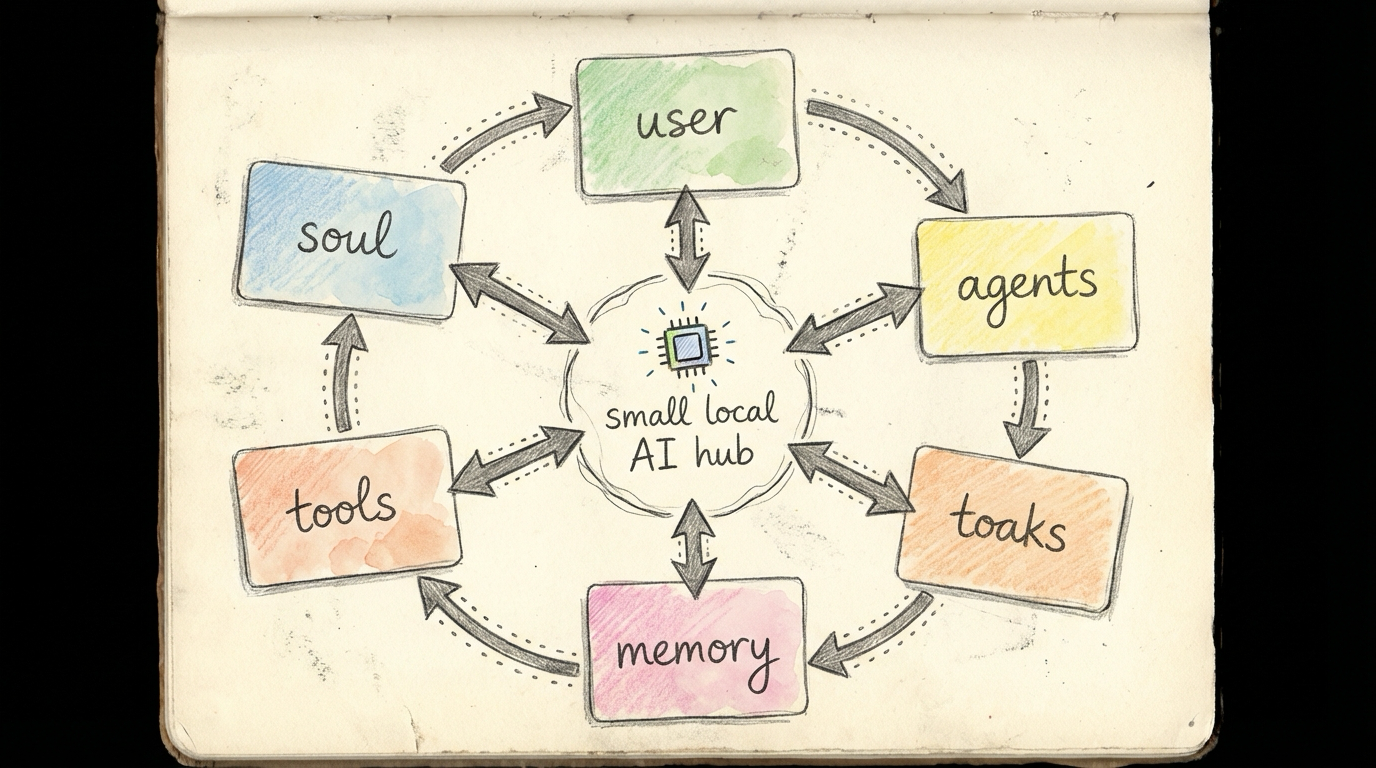
When people first encounter OpenClaw, they focus on models, tools, and the command line. But I’ve come to believe that its real power lies in its file-based rules. The files I care most about are:
SOUL.md: Defines its personality, style, and working postureUSER.md: Defines who it’s helping and what the goals areAGENTS.md: Defines startup procedures, memory rules, safety boundaries, and group chat behaviorMEMORY.md + memory/YYYY-MM-DD.md: One stores long-term memory, the other stores what happened each dayTOOLS.md: Records environment-specific information unique to this machine
So my current understanding of OpenClaw is this: It doesn’t run on one giant system prompt. It runs on a system of file-based personality + file-based memory + file-based rules.
6. Why Does the Skill System Matter?
Many people think of Skills as “plugins,” but I think a more accurate framing is capability packages. A Skill usually isn’t just an extra button. It bundles together what scenarios it fits, how it calls tools, whether it depends on scripts, what the boundaries and caveats are, and when it should or shouldn’t be used. Capabilities like Obsidian integration, coding-agent, RSS, and skill auditing – once properly installed, OpenClaw stops just chatting and starts actually working. But my advice is also clear: Don’t install Skills just to show off. Start with core capabilities, run them for a couple of days to confirm they’re stable, then expand. For Skills involving elevated permissions or external connections, audit first, then decide whether to enable them.
7. Telegram: Single Agent with Multiple Group Chats Works, but Split by Role Later
If you’re only using OpenClaw in private chat, you haven’t fully experienced its architectural value. One of its genuinely interesting features is that the same system can connect to Telegram, and it doesn’t have to map to just one way of working.
Option A: Single Agent, Multiple Group Chats
The upside is simplicity: fast setup, low initial cost, easiest way to validate early on. But the downsides are obvious: context bleeds across chats, different groups’ tones and tasks get mixed together, and writing, daily reports, and technical Q&A contaminate each other.
Option B: Split Into Multiple Agents by Role
This is the approach I’ve come to prefer. For example, main handles the primary private chat, daily handles scheduled tasks, daily reports, patrols, and knowledge base work, writer handles writing and content refinement, and specialized agents handle specific groups, business lines, or projects. The benefits are cleaner context isolation, clearer role boundaries, no cross-contamination between groups, and easier scaling later. My recommendation: Start with a single agent and multiple group chats early on, but split by role as things mature.
8. Security Is Not an Appendix – It’s a Prerequisite
I strongly recommend being upfront about this from the start. Once OpenClaw begins accessing the local file system, browser, command execution, external messaging, and a mix of local and cloud models, it’s no longer a “harmless chat box.” It becomes a system with real agency. At that point, security boundaries must be established first.
The principles I’ve come to follow are:
- Layer your long-term memory: Something like
MEMORY.md, which contains more personal and stable information, should ideally only be used in the main session – don’t let it be read freely in group chat contexts - Be cautious with outbound actions: Emails, public posts, social media publishing – these should require confirmation by default. Don’t let it automatically publish half-finished work
- Don’t overstep in group chats: In a group, it’s a participant, not your spokesperson, and certainly not you
- Don’t install Skills carelessly: Especially those involving network access, script execution, or local path reading – audit first, decide later
- Don’t blindly give small local models broad permissions: Especially when accessing web pages, executing commands, or reading/writing paths, be clear about workspace and tool boundaries
If you plan to connect even more external capabilities, browser automation, or overseas models down the road, you’ll typically also need a stable VPN setup. But the more capabilities you add, the more important it is to design the boundaries first.
9. The Really Critical Question: What Has It Actually Produced?
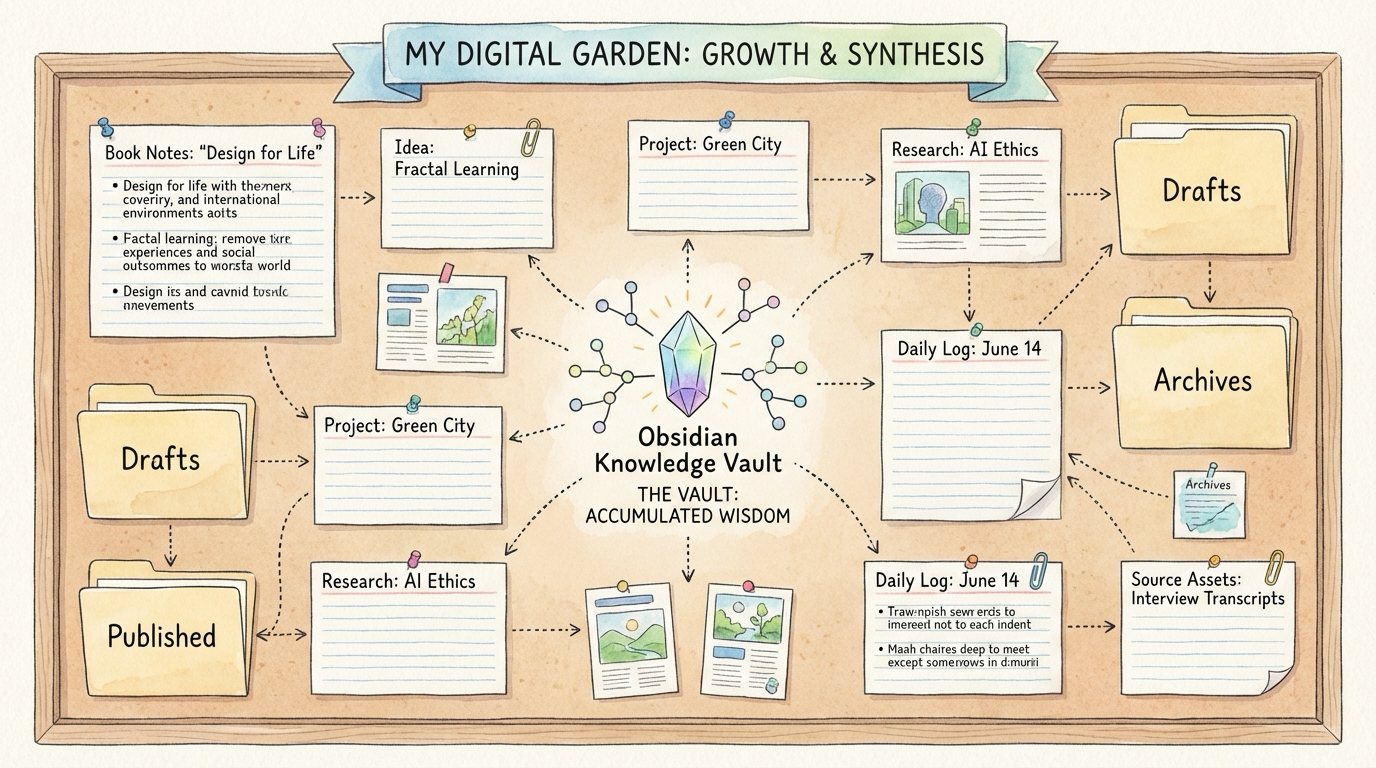
If this post only described what OpenClaw “can do,” readers might still see it as a conceptual system. What’s actually convincing is what this system has already deposited into Obsidian. As of the time I’m writing this, my Obsidian vault contains these tangible outputs:
- Under
OpenClaw定时任务/there are 214 Markdown files, proving that daily reports, weekly reviews, archiving, and patrols aren’t just talk – they’re sustained output - Under
Personal-Knowlodge/source/there are 1,760 Markdown files – the knowledge base isn’t an empty directory, it’s genuinely growing - Under
X 文章/there are 115 Markdown files – high-value external content has been consolidated into a long-term resource library - Under
论文/there are 4 standardized paper directories, each organized as “original PDF + translation + deep reading” - Under
小说工坊/夜航之上(分章)/there are 58 chapter-related files – it has entered a long-term creative workflow, not just technical tasks Ebook/already contains actual EPUB deliverables – not just notes, but distributable formats
To give a few concrete examples: OpenClaw定时任务/每日论文精读(Android+AI)/2026-03-08-每日论文精读(Android+AI).md, Personal-Knowlodge/source/2026-03-08_wechat_Android_JNI原理分析.md, 论文/AI-2026-03-08-Agentic-Reasoning-Framework/01-paper.pdf + 02-翻译.md + 03-精读.md, 小说工坊/夜航之上(分章)/第018章-光标闪烁.md. This is what I value most about OpenClaw right now: It doesn’t just finish a task and move on. It continuously turns work into assets.
10. What Pitfalls Did I Hit?
This section is critical, because it determines whether you’ll give up halfway.
Pitfall 1: It’s Genuinely Unstable Early On
You need to accept a reality: OpenClaw is powerful, but it is not “zero maintenance.” My pitfalls have included upgrade errors, misconfigured model allowlists, model switches that don’t take effect in old sessions, scheduled tasks that run but fail to write to disk, external path permission issues, and browser policy problems.
Pitfall 2: Don’t Mix Node Environments
I eventually unified my runtime environment under Homebrew Node and stopped mixing in nvm. This was absolutely necessary – otherwise upgrades, restarts, and paths all become a mess.
Pitfall 3: Don’t Get Sloppy with Obsidian External Paths
This one bit me hard. I eventually converged on very explicit rules:
- Always use absolute paths
- The most reliable approach is
exec + python/pathlibfor writing to disk - Don’t naively use
write/editdirectly - For same-day content, append rather than overwrite
Pitfall 4: More Automation Isn’t Always Better
It’s easy to get carried away early on, wanting to automate everything. But eventually you’ll find that too many tasks lead to duplication, conflicts, noise, rising token costs, and outputs nobody actually reads. A better strategy isn’t “automate everything” but rather to focus on the few main threads with the highest compounding returns.
11. Who Is OpenClaw Best Suited For?
I think there are three types of people it fits best. The first are people with continuous input and output needs – engineers, indie developers, technical bloggers, community managers, research-oriented creators. The second are people who enjoy tinkering with workflows – if you have a natural interest in automation, systematization, and structure, OpenClaw will feel more natural the more you use it. The third are people who want to actually integrate AI into their workflow – if you don’t just want to ask a few questions but genuinely want continuous monitoring, automated organization, proactive reminders, scheduled output, long-term memory, and cross-platform content coordination, OpenClaw will serve you well.
12. Who Might Not Be a Good Fit?
I should be honest here too. People who just want a ChatGPT replacement, people who don’t want to maintain environments or read logs, and people without a sustained workflow – these three groups won’t necessarily fail at it, but they probably won’t experience its real value.
13. Hardware Recommendations
If you ask me what machine to get, I’d break it into three tiers:
- Entry tier: 16GB RAM, primarily running cloud models, with only light local assistance
- Practical tier: 32GB RAM, can run some local models, handles light to medium workloads
- Comfortable tier: 64GB and above, Mac Studio or high-end workstation class, cloud + local hybrid running persistently
If you truly want to run OpenClaw as a “long-term persistent, cloud + local hybrid, multi-task parallel” system, the 64GB tier is where the experience becomes noticeably more stable.
14. My Final Take on OpenClaw
If I had to sum it up in one sentence: The most compelling thing about OpenClaw isn’t that it answers questions better – it’s that it starts doing sustained work on your behalf. For an Android system engineer, its greatest value isn’t replacing you as a coder. It’s helping you connect the dots between input, organization, archiving, follow-up, output, retrospectives, and memory – all those things that used to be scattered everywhere. It’s not a zero-barrier tool. It will crash, throw errors, and trip you up. But once you get it running smoothly, you’ll feel a clear shift: Before, you were pushing the workflow forward. Now, the system is pushing you forward. That’s why I think it’s worth the effort.
Closing Thoughts
If you’re an engineer, a creator, or someone trying to integrate AI into a real workflow rather than just using it as a chat window, OpenClaw is worth a serious attempt. It’s not for everyone, but once you get it running smoothly, the payoff isn’t just “more efficient conversations” – it’s compounding returns at the workflow level.
Related Posts
About Me && Blog
Below is my personal intro and related links. I look forward to exchanging ideas with fellow professionals. “When three walk together, one can always be my teacher!”
- Blogger Intro
- Blog Content Navigation: A guide for my blog content.
- Curated Excellent Blog Articles - Android Performance Optimization Must-Knows
- Android Performance Optimization Knowledge Planet
One walks faster alone, but a group walks further together.
