

After publishing the OpenClaw hands-on review yesterday, the most common questions from comments and group chats fell into five buckets: token costs, what it can actually do, local models, privacy and security, and day-to-day experience. Today I am picking the five most frequently asked questions and answering each one in detail.
1. How Much Do Tokens Actually Cost? Is It Expensive?
Short answer: not as expensive as you think, but not free either. I have run two different setups—one based on a premium cloud provider, and one on a cost-effective domestic (Chinese) model plan. The difference in experience is noticeable.
Phase 1: OpenAI Pro Plan ($200/month)
I started with OpenAI Pro. Generous quota, zero hassle. That said, this plan was not exclusively for OpenClaw—I also used it for day-to-day coding, so the actual split was roughly 50/50. Over the course of several weeks, I never hit the 5-hour rate limit or the weekly cap. For someone who is a heavy user but not running jobs 24/7, the $200 plan had plenty of headroom.
Phase 2: Zhipu GLM5 Coding Plan (Annual: ¥1608)
When my Pro plan expired, I switched to the Zhipu GLM5 Coding Plan—a domestic model approach. I bought in during an introductory promotion at ¥980/year, but in February 2026 Zhipu revised their pricing, dropped the introductory discount, and raised prices by roughly 30%.
Latest Plan Pricing (March 2026)
| Plan | Quarterly | Annual (Quarterly x4) | Monthly Avg | Use Case |
|---|---|---|---|---|
| GLM Coding Lite | ¥132 | ¥528 | ¥44 | Light users |
| GLM Coding Pro | ¥402 | ¥1608 | ¥134 | Heavy users (recommended) |
| GLM Coding Max | ¥1266 | ¥5064 | ¥422 | Teams / Enterprise |
I am on the equivalent of Pro tier—¥980/year before the price hike, now ¥1608/year. In practice, it handles all my high-frequency scenarios—scheduled tasks, monitoring, daily/weekly reports, knowledge base maintenance—without ever running into quota issues.
GLM-5 API Pay-As-You-Go (If You Skip the Plan)
If you prefer not to commit to a plan, pay-as-you-go pricing is available:
| Model | Input Price | Output Price |
|---|---|---|
| GLM-5 (0-32K) | ¥4 / million tokens | ¥18 / million tokens |
| GLM-5 (32K+) | ¥6 / million tokens | ¥22 / million tokens |
| GLM-5-Code (0-32K) | ¥6 / million tokens | ¥28 / million tokens |
Let me do the math: I burned through 240 million tokens in 7 days. At pay-as-you-go rates, that week alone would have cost roughly ¥2400—while the annual plan is only ¥1608. A full year of the plan costs less than a single week of pay-as-you-go. My advice is straightforward: heavy users should go with an annual plan; light users can start with pay-as-you-go to test the waters.
Domestic Coding Plan Comparison (March 2026)
These three providers offer the best OpenClaw support among domestic models:
| Plan | Zhipu GLM | MiniMax | Kimi |
|---|---|---|---|
| Entry | Lite ¥44/mo (¥528/yr) | Starter ¥70/mo (¥700/yr) | Moderato ¥133/mo |
| Mid | Pro ¥134/mo (¥1608/yr) | Plus ¥140/mo (¥1400/yr) | Allegretto ¥99/mo |
| High | Max ¥422/mo (¥5064/yr) | Max ¥350/mo (¥3500/yr) | Vivace ¥199/mo |
| Primary Model | GLM-5 | MiniMax M2.5 | Kimi K2.5 |
| Strengths | Best domestic model, native OpenClaw support | Great value, stable API | Strong long-context, switched to token billing in 2026 |
| OpenClaw Support | Native | Native | Requires configuration |
I went with GLM Coding Pro (¥1608/year) because Zhipu has the most mature OpenClaw integration, a stable API, and strong Chinese-language capabilities. The best-value pick is MiniMax Plus (¥1400/year)—¥200 cheaper than GLM Pro with comparable performance.
Note: Prices above are from March 2026 queries. Providers adjust pricing from time to time, so check official sites before purchasing.
Real Numbers: 240 Million Tokens in 7 Days
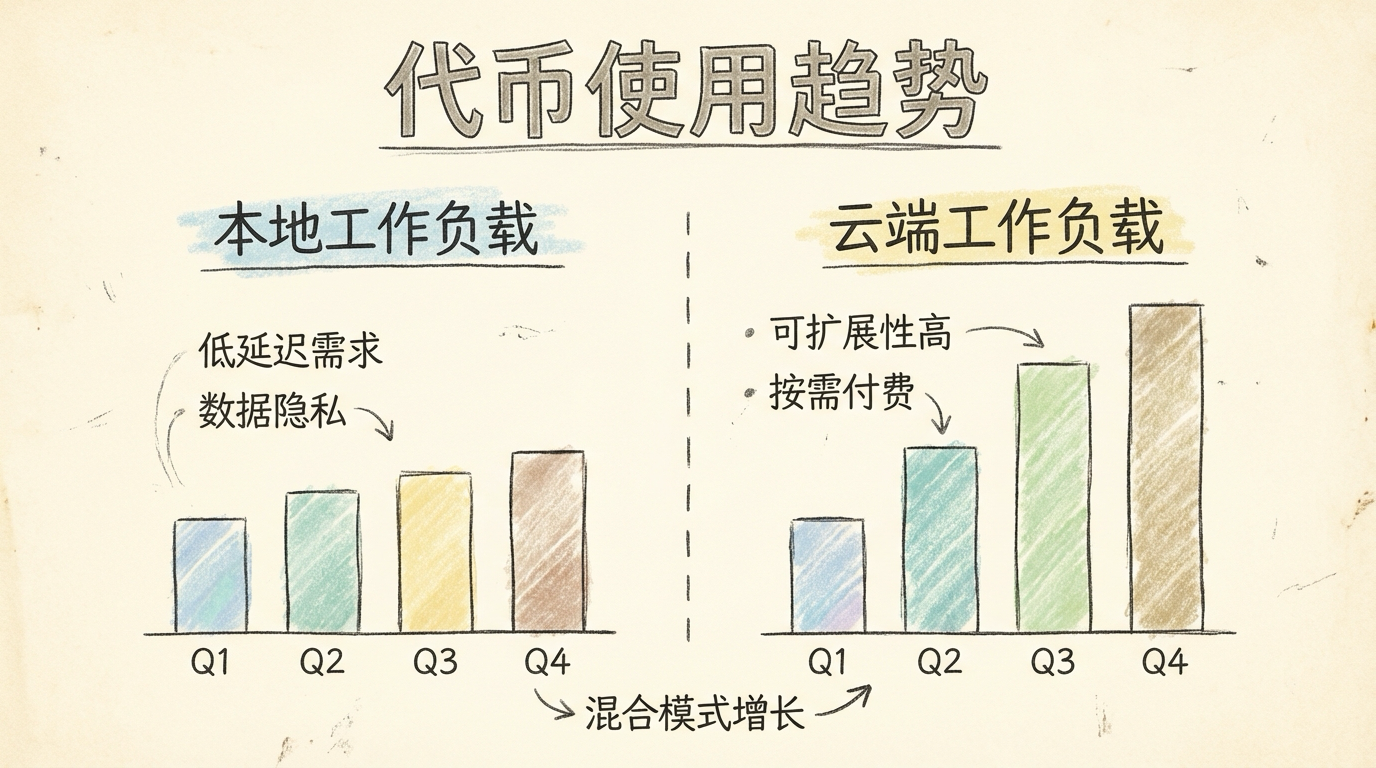
I pulled my stats from the Zhipu dashboard: roughly 240 million tokens consumed by GLM5 over the past 7 days. The number sounds scary, but keep some context in mind: this 240 million figure only counts cloud-based GLM5 usage—tokens processed by local models are not included. With the Coding Plan at ¥1608/year, that averages to about 34 million tokens per day. At pay-as-you-go rates (roughly ¥0.01 per thousand tokens), this single week would cost ¥2400—while the plan covers the entire year for ¥1608. The value speaks for itself. The real cost structure works like this: the cloud handles high-quality tasks, local models handle high-frequency grunt work, and the combined cost is far lower than you might expect. If you want to spend nothing at all, you can start with local models only, but the ceiling on capability and response quality will be noticeably lower. Spending the equivalent of a cup of coffee per month on a cloud model makes a significant difference, especially for long-form writing and complex reasoning.
Mindset: Don’t Be Too Transactional
While we are on the topic of costs, let me share a bit about mindset. After running OpenClaw for this long—my kid calls it “Shrimp Bro” (虾哥)—my biggest takeaway is: don’t start out obsessing over monetization and ROI. The AI era is just getting started, and upfront investment is necessary. The time and money you put in now may not yield immediate returns, but they gradually build into something invaluable: an intuitive understanding of what AI can and cannot do, a feel for how agent collaboration works, and an instinct for which problems are solvable with AI. These things are hard to quantify in the short term, but their long-term value is enormous.
My approach has always been: think of running OpenClaw as buying yourself a great toy. The joy is worth the price. Watching it run tasks on its own, draft articles, and organize the knowledge base—that alone is deeply satisfying. If it pays for itself down the road, great. But whether it can pay for itself right now should never be the deciding factor for getting started. Just start building. That matters more than anything else.
2. What Can OpenClaw Actually Do? Give Me Real Examples
The previous hands-on review went into detail, but I know many people do not read start to finish. Here are the scenarios I find most valuable and most illustrative.
What I Am Currently Running
| Scenario | Description | Value |
|---|---|---|
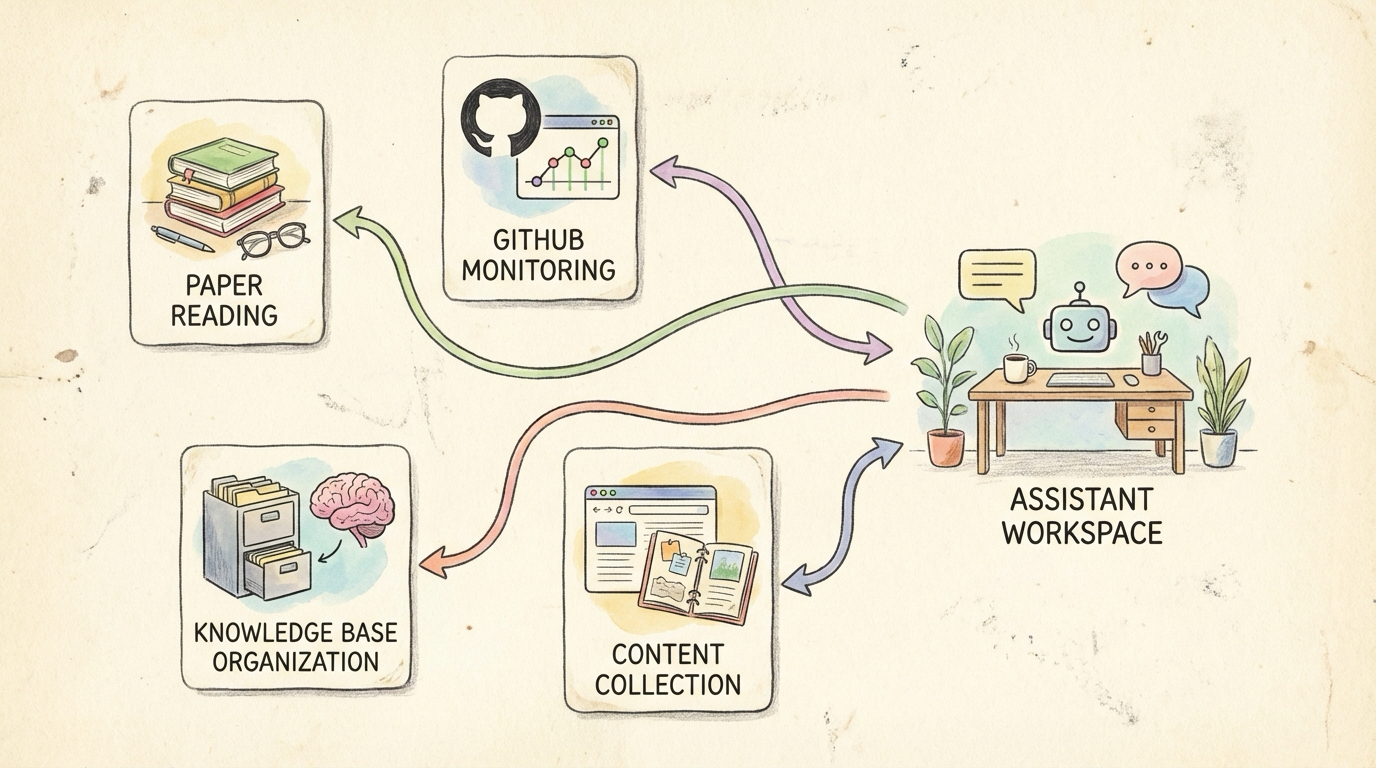
| Daily Paper Digest | Auto-fetches Android/AI papers, translates, generates reading notes, saves to Obsidian | Stay on top of research, zero manual effort |
| GitHub Repo Monitoring | Watches Issues/PRs for changes, proactively notifies on important updates | I monitor Perfetto—no more daily manual checking |
| Knowledge Base Building | Auto-archives content from WeChat Official Accounts, X, blogs; structures it | 1,760 Markdown files and growing |
| Content Review | Daily push of content worth re-reading | Solves the “bookmarked and never read again” problem |
| Android News Digest | Auto-summarizes domain news, extracts key topics | No need to scroll through feeds |
The core value is this: OpenClaw’s most valuable contribution is not “answering a question for you.” It is turning the things you know are important but cannot sustain through willpower alone into background tasks that run automatically by default.
Advanced Case 1: Batch Import into NotebookLM for Deep Analysis
NotebookLM is Google’s AI research assistant. It turns your materials—PDFs, web pages, documents—into a conversational knowledge base. Its standout feature is auto-generated podcast-style audio summaries: two AI hosts discuss your materials in a casual conversation format, perfect for listening during a commute. But NotebookLM has an obvious pain point: manually adding sources is tedious. You have to upload files one by one and paste links one at a time. With a large collection, it gets unbearable. OpenClaw can automate that entire workflow.
In Practice
1 | Me: Research Android 15 performance optimization features. |
OpenClaw automatically gathers official documentation, technical blogs, and papers on Android 15 performance optimization, filters out low-quality content and marketing fluff to keep only genuinely valuable sources, then bulk-imports everything into NotebookLM via API or browser automation, and finally triggers podcast generation.
Why This Combination Works So Well
| NotebookLM Alone | OpenClaw + NotebookLM |
|---|---|
| Manually find sources, manually upload | Auto-collect, batch import |
| Scattered sources, inconsistent quality | Curated, high-quality sources |
| One-off project, then done | Periodic updates, continuous tracking |
Essentially, you outsource the time-consuming grunt work of information gathering and filtering to OpenClaw, letting NotebookLM focus on what it does best: deep analysis and structured output.
Advanced Case 2: Drop a Link, Auto-Fetch All Related Content and Save to Disk
This is one of my most-used scenarios—it triggers almost daily. While scrolling X or reading a WeChat Official Account, I come across a great article that references several papers, a few GitHub repos, some related links, and a couple of book recommendations. The old workflow is all too familiar: bookmark it, tell yourself you will read it later, forget, never look at it again. With OpenClaw, the process is different:
1 | Me: https://example.com/awesome-article |
OpenClaw reads the original article, identifies all links and references, then handles them by category: arXiv/paper links get PDFs downloaded to the Papers/ directory, GitHub links are evaluated for value and important ones get starred and cloned locally, regular web pages have their body text extracted and converted to Markdown, and book references have titles added to the reading list. Finally, it generates an index Markdown containing the original article summary, all related content links with descriptions, and save locations, then automatically saves it to the Personal-Knowledge/source/ directory. One link, one instruction, and everything is filed away automatically. When you want to revisit later, just search by keyword in Obsidian—all related materials are already organized by type.
For Android Developers
These are directions I have not built yet but am actively planning. See if any resonate with your work:
| Pain Point | What OpenClaw Can Do | Audience |
|---|---|---|
| High barrier to trace analysis | Upload Perfetto/Systrace traces, AI-assisted interpretation, generate plain-language reports | App perf optimization, system UX perf |
| Version compatibility checklists | Auto-fetch Android Release Notes, generate adaptation checklists, cross-reference code to flag check points | App developers (annual necessity) |
| Issue backlog overload | Auto-classify (bug/feature/question), priority scoring, key info extraction | Open source maintainers, team collaboration |
| Time-consuming code review | Detect common patterns (null pointers, resource leaks, main-thread IO), generate review checklists | All teams |
| Forgotten tech debt | Periodically scan TODO/FIXME comments, sort by priority, send reminders to “pay down the debt” | All projects |
| Benchmarks nobody reads | Run benchmarks on schedule, auto-compare against history, alert on anomalies (e.g., startup +500ms) | Performance teams |
| Internal docs are unfindable | Answer questions like “have we seen this before?” or “where is the design doc?” based on the knowledge base | All teams |
| Upstream change tracking | Monitor AOSP/vendor code changes, flag items that need merging | System developers |
None of these work out of the box—they require custom development for your specific scenarios. But OpenClaw’s architecture naturally supports extending in all of these directions. The key is to get the foundation running first, then iterate based on real needs.
One-Line Summary
Papers read daily, repos monitored daily, knowledge organized daily, reports written daily. What OpenClaw truly achieves is turning “things that require long-term consistency”—something that goes against human nature—into “tasks the system quietly handles in the background.”
3. What Can Local Models Do?
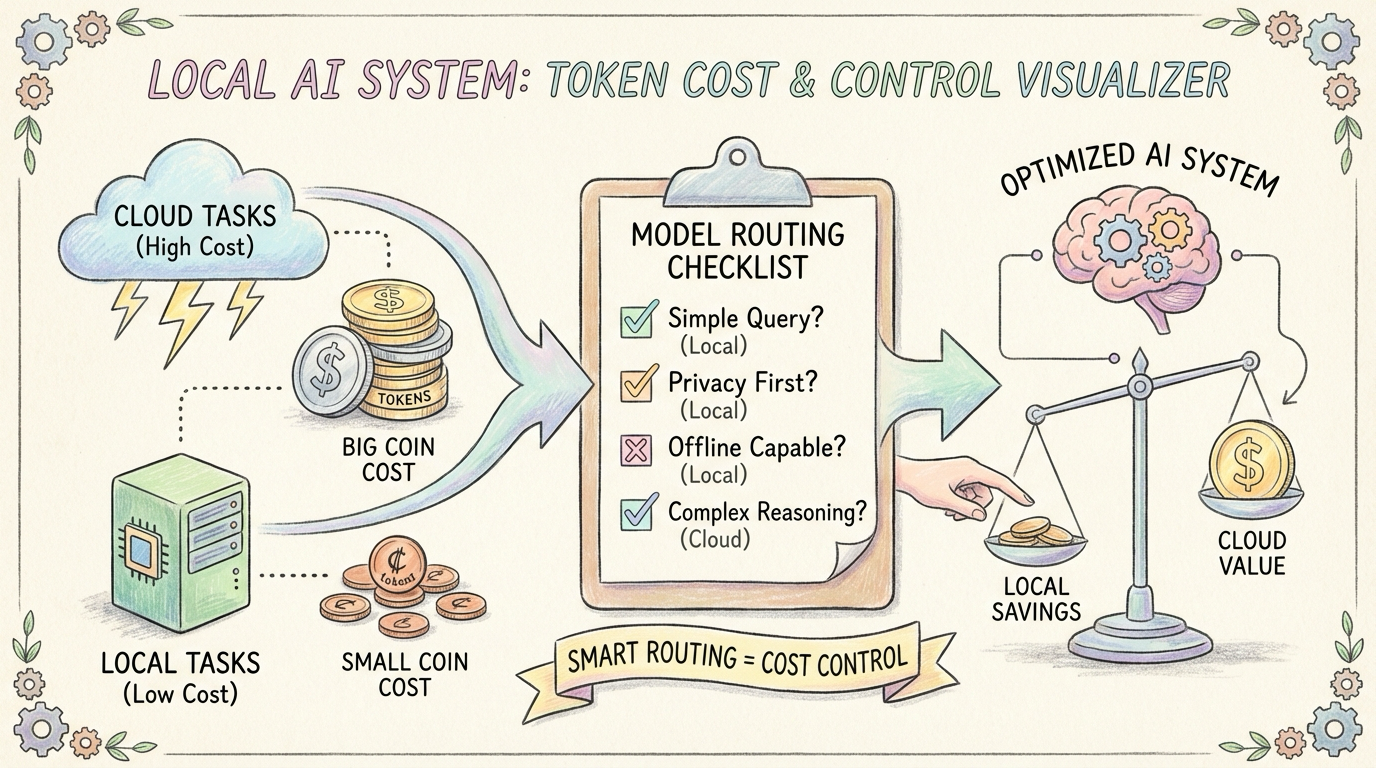
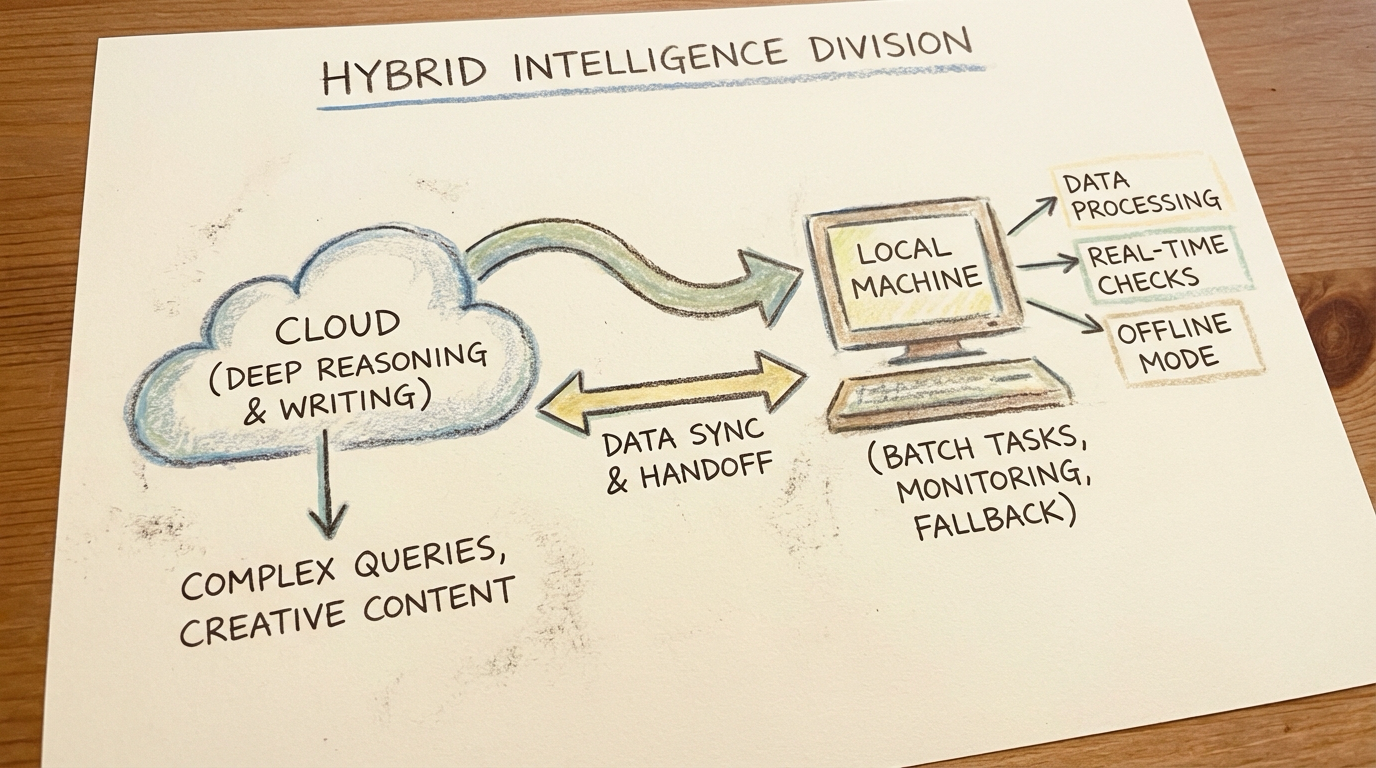
Local models are not meant to replace cloud models. Their role is to handle the grunt work: the dirty, repetitive, high-frequency tasks. One line to describe the division of labor: the cloud “thinks deep,” local models “run hard.”
How Much Do Local Models Handle?
My actual runtime data:
| Task Type | Model | Share |
|---|---|---|
| Monitoring, inspection, batch processing | Local Qwen3.5-27B | 30% |
| Status checks, lightweight classification | Local Qwen3.5-4B | 20% |
| Ultra-light tasks | Local Qwen3.5-2B | 10% |
| Cloud failure fallback | Local Qwen3.5-9B | 5% |
| Long-form writing, polish, reviews | Cloud GLM5 | 15% |
| Daily/weekly reports, auditing | Cloud GLM5 | 10% |
| Paper digest, ClawFeed | Cloud GLM5 | 10% |
By task count, local models handle 60-70%. By token volume, local models handle 80%+.
My Setup
The hardware is a Mac Studio (M-series Apple Silicon) running multiple local models: Qwen3.5-2B/4B/9B using MLX 8-bit quantization for lightweight tasks and cloud-failure fallback; Qwen3.5-27B deployed via Ollama as the primary local workhorse for high-frequency structured tasks. Side note: on Apple Silicon, inference with the MLX framework is noticeably faster than Ollama, especially for smaller models.
Division of Labor Principles
| Local Models Excel At | Cloud Models Excel At |
|---|---|
| High-frequency structured tasks (RSS, queue processing) | Long-form writing and polishing |
| Monitoring and inspection | Complex reasoning and judgment |
| Data preprocessing (never leaves the machine) | High-quality translation and interpretation |
| Cloud failure fallback | Paper digest, deep analysis |
As for cost, the hardware was already purchased, and the additional electricity is minimal—so the marginal cost of local models is effectively zero.
Token Burn Rate
Even with local models shouldering much of the load, cloud tokens still burn fast. My setup is: primary model GPT-5.4 + workhorse GLM5 + local labor force Qwen3.5 series (27B/9B/4B/2B). So my advice is to go straight for an all-you-can-eat Coding Plan. If budget allows, GPT Pro is great; for value, MiniMax or Kimi are solid choices. With pay-as-you-go at this consumption rate, the bill will hurt.
Backup Channel
In the early days, OpenClaw (“Shrimp Bro”) occasionally ran into stability issues. When that happened, I would use Claude Code (Remote Control) to connect remotely and troubleshoot manually. This does not happen often, but having a backup channel gives real peace of mind.
The Analogy
Think of local models as “hardworking blue-collar workers” and cloud models as “brilliant senior consultants.” What OpenClaw does is fully automate the collaboration logic between them.
4. How Do You Protect Privacy and Security?
This question comes up constantly, and rightfully so—it is something everyone needs to think through carefully before getting started.
Core Principle
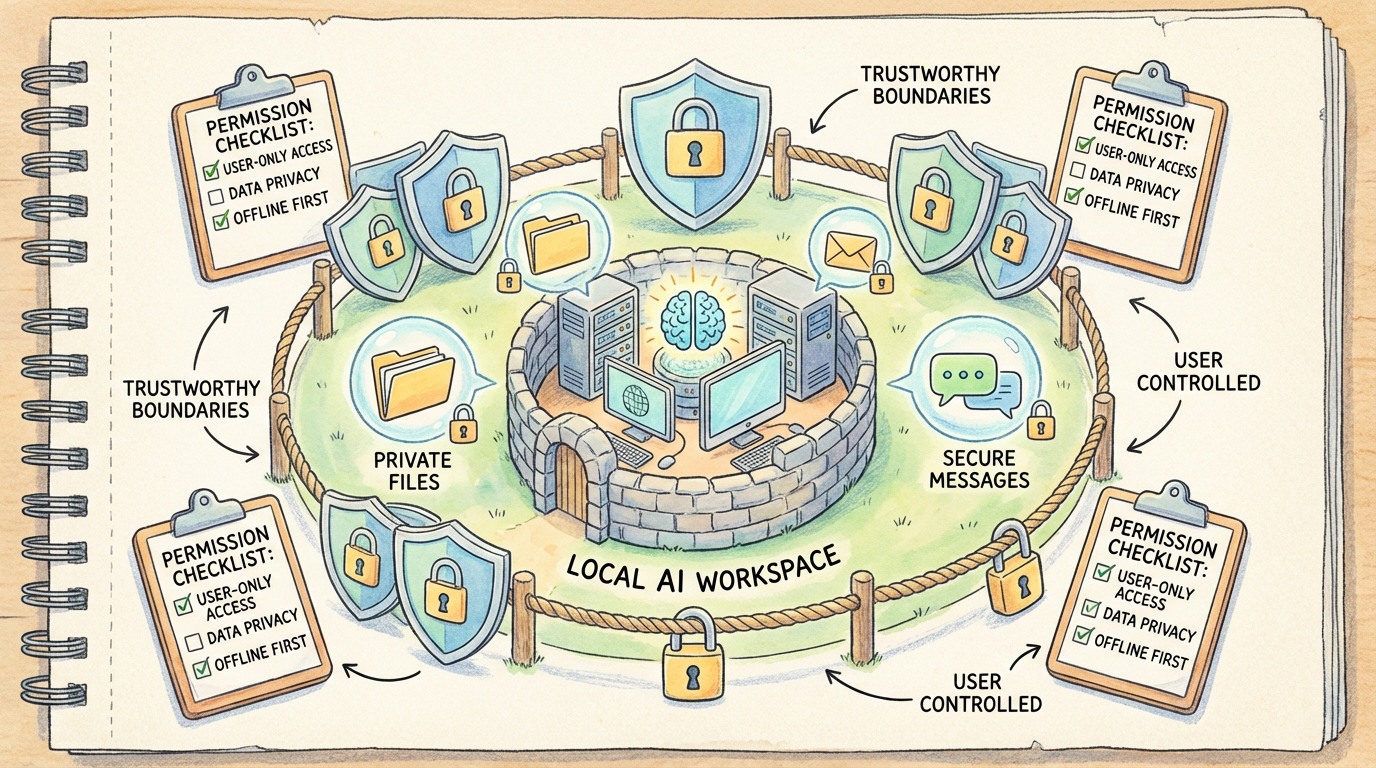
Sensitive data never leaves the machine. That is the line I drew for myself. The approach is straightforward:
- Sensitive files stay off the cloud: Company code, internal documents, anything privacy-related—all processed exclusively by local models
- Local-first: If a task can be handled locally, it never touches a cloud API
- Principle of least privilege: OpenClaw can only access directories and tools I have explicitly authorized; everything else is off-limits
Technical Safeguards
On the command execution whitelist front, the safeBins configuration strictly limits what commands it can run—only basic read-only commands like ls, cat, grep, find, and git are allowed. Dangerous operations like rm -rf are blocked outright by deniedFlags. This means that even if someone attempts a prompt injection to trick it into running malicious commands, the command layer simply will not execute them.
For source verification, commands.ownerAllowFrom and channels.allowFrom implement a source whitelist. Only my own account can issue system-level commands. Even if someone @mentions it in a group chat, it will not respond to any sensitive operations.
There is also configuration file hash verification: the system automatically generates a SHA256 hash of openclaw.json daily and compares it against a baseline. If the configuration file has been tampered with, an alert fires immediately. On top of that, routine scanning runs daily across all files in the workspace directory, checking for private keys, passwords, seed phrases, and other sensitive information. If anything is found, it alerts immediately—never silent.
Runtime Isolation
- OpenClaw runs on a dedicated Mac Studio, separate from my daily development machine
- Sensitive accounts (company email, internal systems) are not connected to OpenClaw
- External publishing channels like WeChat Official Accounts only have “save draft” permissions, not “publish directly”
Trust Boundary
My current strategy is: OpenClaw never sees anything more sensitive than what I would voluntarily send to a cloud AI. Think about it—when you use ChatGPT or Claude day-to-day, you upload files and send screenshots too, and the exposure surface there is actually larger and less controllable. OpenClaw is relatively contained: its permission scope, behavior logs, and complete operation history all live on my local machine, available for audit at any time.
The Nature of Security
Security is never an AI Agent’s default behavior. It is something you must actively design and configure before deployment. Build the cage before you raise the shrimp—never the other way around.
5. Day-to-Day Experience: Control from Your Phone, Data Never Lost
This one is not asked as often, but I personally think it is the key to OpenClaw feeling truly seamless. It deserves its own section.
Telegram: One Main Bot + Multiple Group Chats
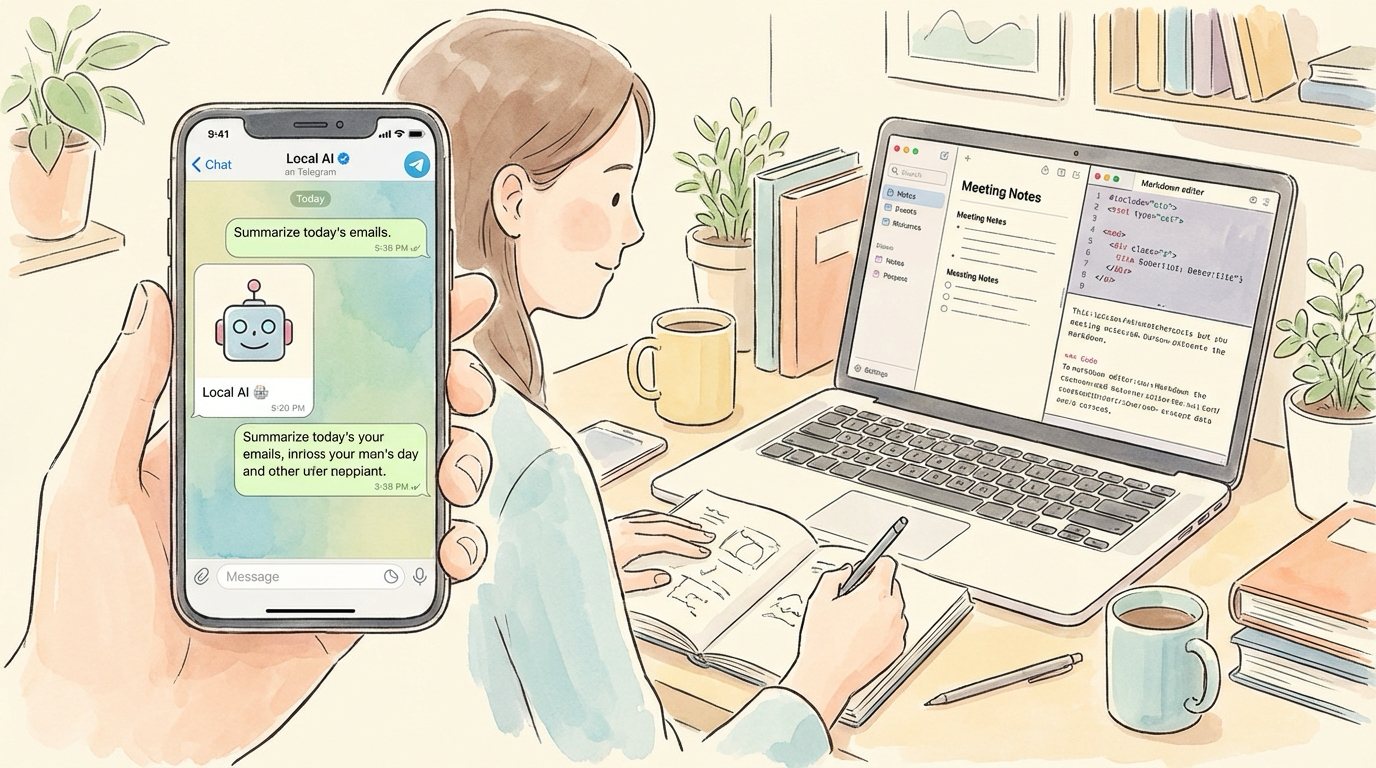
Here is how I use it: the main bot handles everyday conversation, commands, and questions via private chat. Different daily tasks get forwarded to different groups—the Android group gets tech briefings, paper digests, and GitHub updates; the Daily group gets daily reports, weekly reports, and system notifications; other groups are split by topic as needed. Why separate groups? Three reasons:
- No information mixing: Technical content and operational logs are managed separately. Want a specific category? Just open that group.
- Controllable notifications: Important groups get notifications turned on, unimportant ones get muted. No notification overload.
- Easy collaboration: Some groups can include colleagues, sharing the same information sources.
Data Persisted to Obsidian
In this architecture, Telegram is just the “front-end display layer.” Everything that truly matters eventually gets persisted to Obsidian. This design means three things:
- Nothing gets lost: Telegram messages scroll away over time, but Markdown files in Obsidian stay forever
- Searchable: Obsidian’s full-text search is far more capable than searching through Telegram chat history
- Reorganizable: You can restructure content, add tags, and build bidirectional links at any time
My current Obsidian structure:
OpenClaw-Scheduled-Tasks/: All scheduled task outputsPapers/: Paper digest triple (summary, notes, PDF)Personal-Knowledge/source/: Knowledge base (1,760 files)X-Articles/: Archived high-value X content
Mobile Access Anytime
This matters more than I initially expected. When I am out, I pull out my phone, open Telegram, and send commands to Shrimp Bro (虾哥)—no different from sitting at my desk. Want to read today’s daily report? Open Obsidian on mobile—the files are already synced via iCloud. Need to adjust a task urgently? No need to fire up a computer; it is all doable from the phone. My daily routine now starts with checking Telegram in the morning to see what tasks ran overnight and whether anything went wrong. If there is an issue, I handle it right from my phone. When I am out, a quick glance at the running status keeps me informed.
Architecture Summary
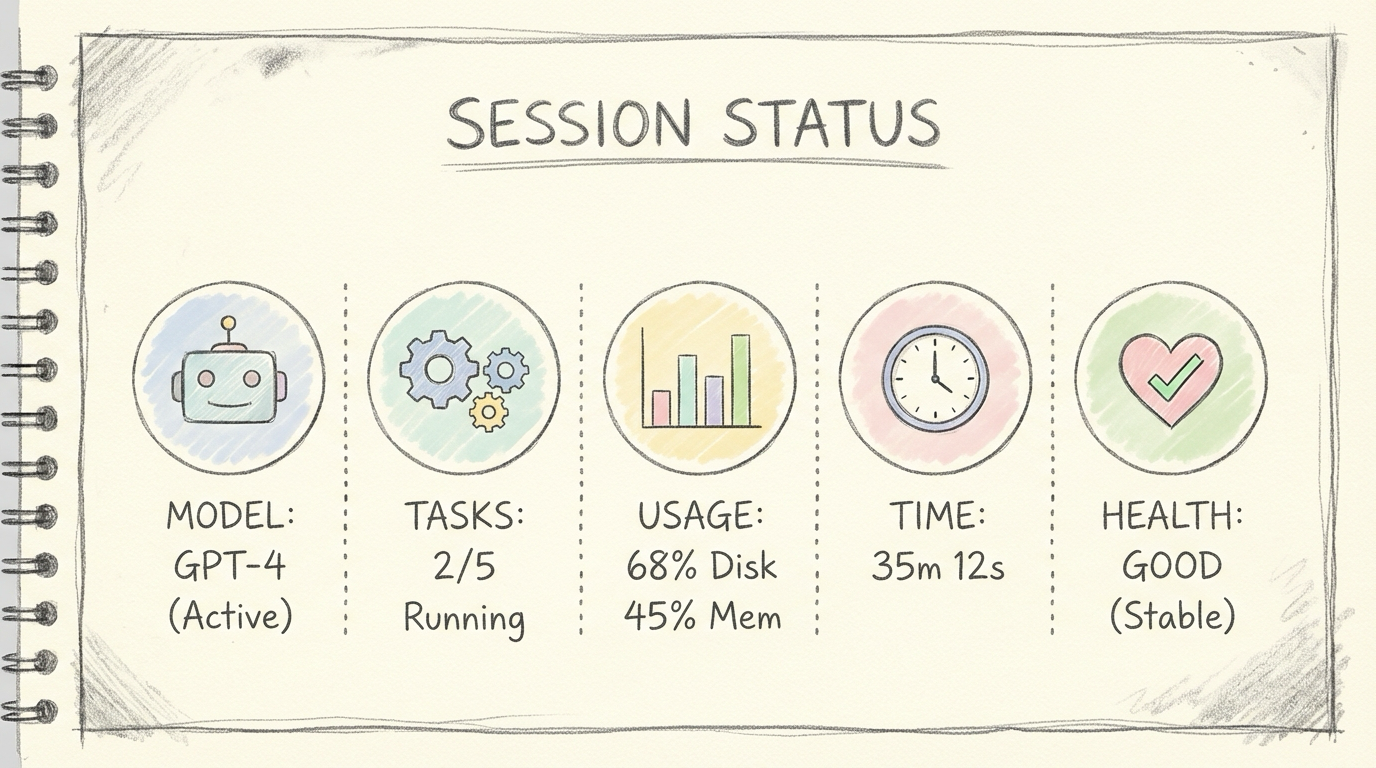
Telegram is the front end, Obsidian is the back end. Telegram solves the “reachable anytime, anywhere” problem. Obsidian solves the “data never gets lost” problem. Together, they form a genuinely usable 24/7 assistant experience.
Related Posts
About Me && Blog
Below is my personal intro and related links. I look forward to exchanging ideas with fellow professionals. “When three walk together, one can always be my teacher!”
- Blogger Intro
- Blog Content Navigation: A guide for my blog content.
- Curated Excellent Blog Articles - Android Performance Optimization Must-Knows
- Android Performance Optimization Knowledge Planet
One walks faster alone, but a group walks further together.
