This is the first article in the series on using the MAT tool. This series consists of three articles, detailing how to use MAT to analyze memory issues, whether they are Java application memory issues or Android application memory issues:
- Android Memory Optimization (1) - Getting Started with MAT
- Android Memory Optimization (2) - Advanced MAT Usage
- Android Memory Optimization (3) - Opening Original Bitmap Images in MAT
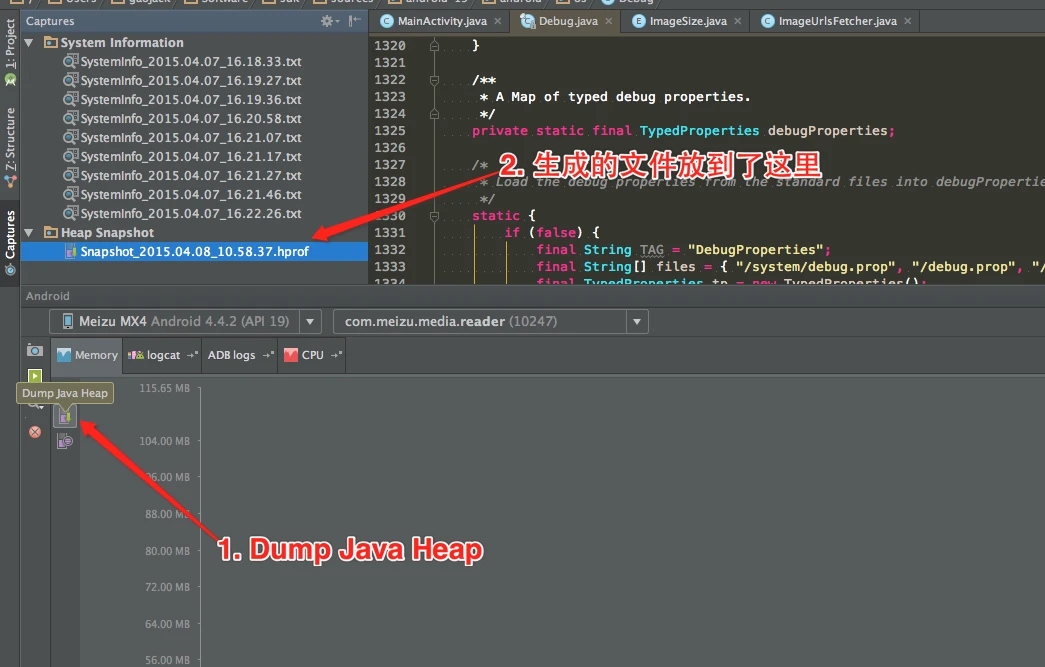
The MAT techniques in this series are still useful for learning Java heap analysis, Dominator Tree, Retained Size, and reference chains, but the default capture flow has changed. The older path was Eclipse/DDMS exporting an Android HPROF and hprof-conv converting it for MAT. The current first stop should be Android Studio Memory Profiler: capture a heap dump, inspect class/package grouping, retained size, and references there, then export to MAT only when you need offline analysis of a large HPROF or a more specialized Dominator Tree workflow. Use LeakCanary for leak detection, and combine dumpsys meminfo, Android Studio native allocation recording, or Perfetto native heap profiling for system and native memory issues instead of relying on MAT alone.
Introduction to MAT
What is MAT?
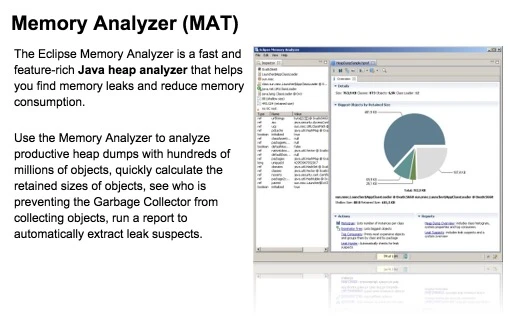
MAT (Memory Analyzer Tool), a memory analysis tool based on Eclipse, is a fast and feature-rich JAVA heap analysis tool. It helps us find memory leaks and reduce memory consumption. Using the memory analysis tool to analyze numerous objects, quickly calculate the size occupied by objects in memory, see who is preventing the garbage collector from reclaiming, and visually view the objects that may cause this result through reports.
Of course, MAT also has an independent version that doesn’t rely on Eclipse, but this version requires converting the file generated by DDMS before it can be opened in the standalone version of MAT when debugging Android memory. However, the Android SDK already provides this Tool, so it is also very convenient to use.