SmartPerfetto is now fully open source. Open the repository and you can see the runnable mainline project as it exists today: the Perfetto UI fork, the agentv3 backend, MCP tools, YAML Skills, scene strategies, scripts, and documentation. There is no private core module kept outside the repository, and this is not just a thin demo shell.
The project comes from a very concrete daily workflow: you have a trace in hand, Perfetto has already exposed the facts, but moving from facts to judgment still means jumping through tables, writing SQL, matching threads, checking FrameTimeline, finding the Binder peer, and then returning to the timeline to confirm everything again. SmartPerfetto tries to turn those repeated actions into tools, so performance engineers can spend more time on judgment.
It is still in development. I am releasing it now because trace analysis grows from real samples: real devices, real vendor differences, real product traces, and real PRs all change how Skills and strategies should be written. Waiting until every capability is stable before publishing it one way would miss the stage where samples matter most.
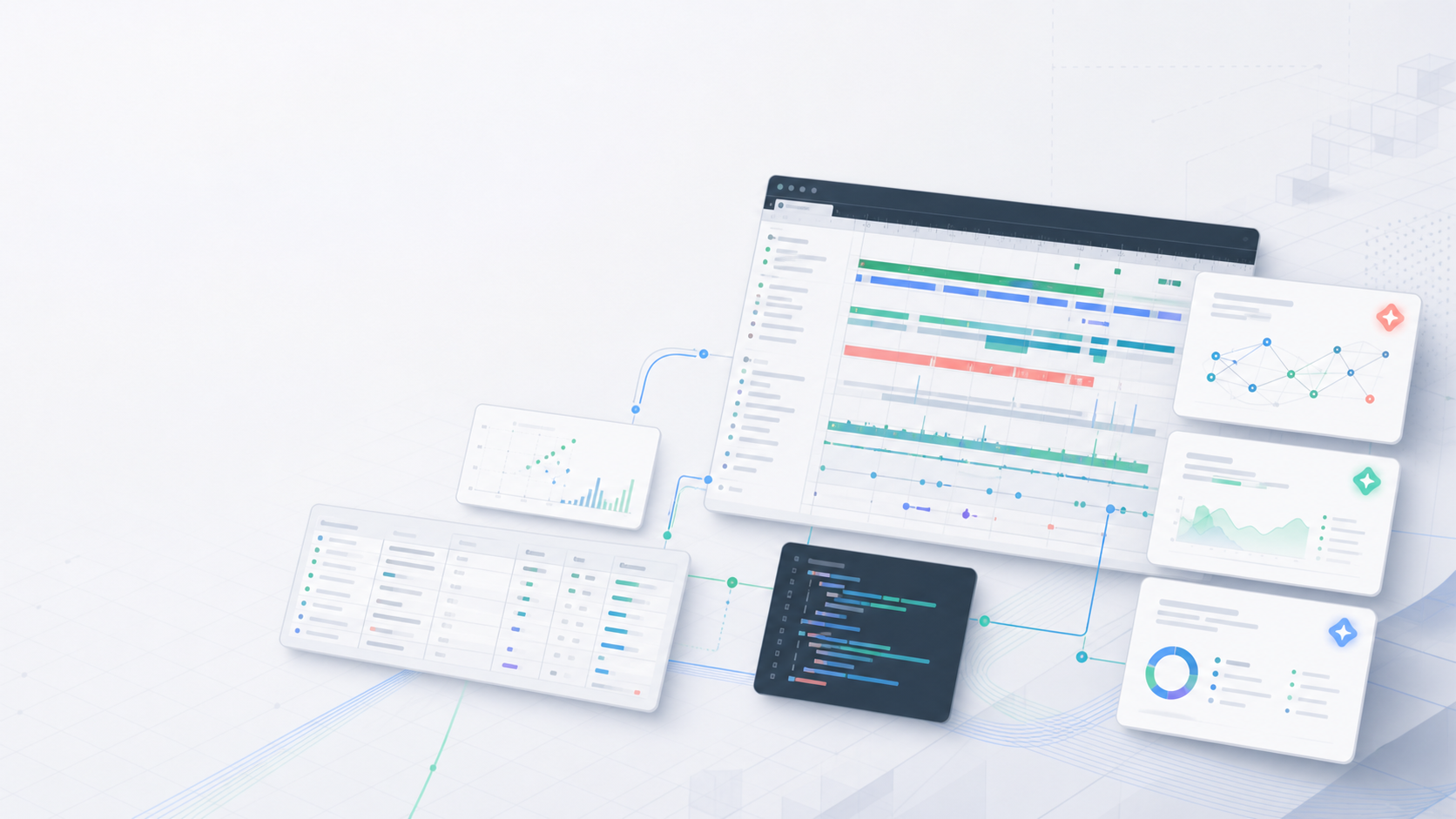
If you often open Perfetto to inspect scrolling jank, startup, ANR, Binder, CPU scheduling, or rendering pipelines, SmartPerfetto provides a Perfetto UI with an AI Assistant. After loading a trace, you ask questions in natural language. The backend queries trace_processor_shell, invokes YAML Skills, organizes evidence, and streams conclusions plus data tables back into the browser.
Project links:
For normal trial use, you only need the main repository. Gracker/perfetto is the frontend fork used by the perfetto/ submodule. It mainly matters to developers who want to modify the AI Assistant plugin UI.
The previous two technical articles are better for readers who want the engineering details:
Those two articles go deep into the internal architecture. Once the source is public, readers usually care more about what is actually in the repository, whether it can run, and which parts are not stable yet. This article focuses on the open-source release itself: what is open, what works today, how the internal pieces are divided, how to run it locally, and where collaboration is most useful.